Fusion İle 3D Modelleme - STEM Racing İçin
LiseBu kurs hakkında
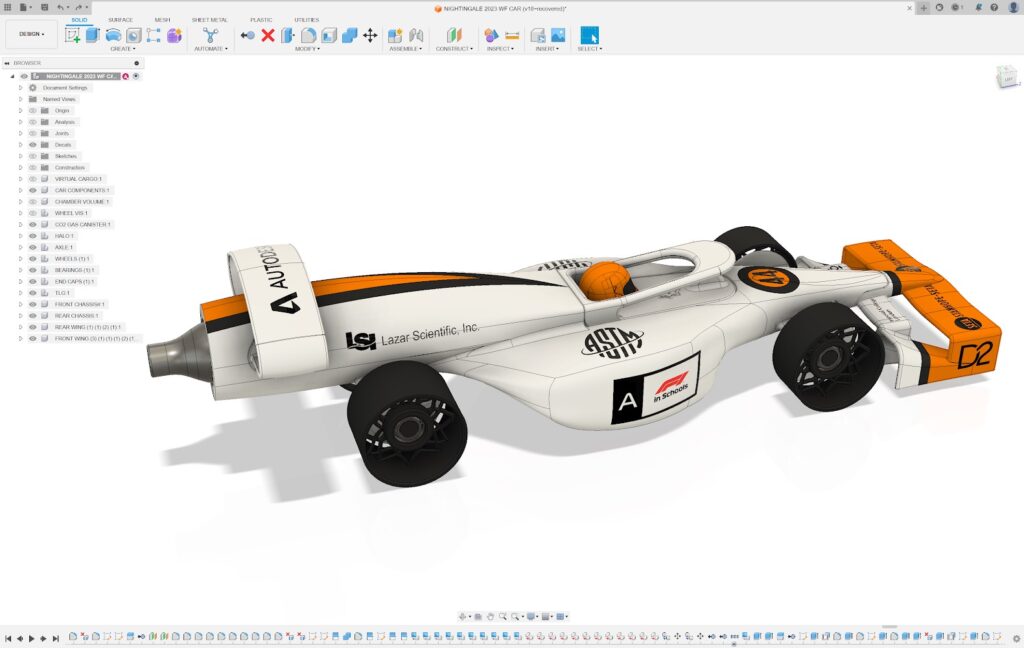
Fusion İle 3D Modelleme - STEM Racing Yarışması İçin
Yorumlar (0)
Download Autodesk Fusion on your personal devices
Autodesk provide free access to all their software to those in education. To access Autodesk Fusion for free, you need to verify that you currently attend a school or college!
User Interface
Creating 2D Sketches
How to Extrude
How to Add Fillets and Chamfers
How to use the Loft Tool
How to use the Mirror Tool
Assemblies in Autodesk Fusion
Import the STEM Racing Standard Components
Model your Car's Sidecar Sections
Model your Car's Rear Wing
Model the Nose & Front Wing
Refining your Car's Design
Introduction to Manufacturing in Autodesk Fusion
Creating a Manufacturing Setup in Autodesk Fusion
Creating Basic Toolpaths in Autodesk Fusion
Refining your Toolpaths in Autodesk Fusion
Simulating your Toolpaths in Autodesk Fusion
4th Axis Toolpaths in Autodesk Fusion
Post Processing (exporting) your Toolpaths in Autodesk Fusion
Set your Car's Appearances and Colours
Adjust your Render's Scene Settings
Editing Backgrounds and Lighting
Rendering an Image
Advanced Rendering Techniques
An Overview of Technical Drawings in Fusion and STEM Racing
Automated Drawings in Autodesk Fusion
Core Drawing Features in Autodesk Fusion
Further Drawing Features in Autodesk Fusion
Exploded Drawings in Autodesk Fusion
Demonstrating Regulations and Exporting Drawings in Autodesk Fusion